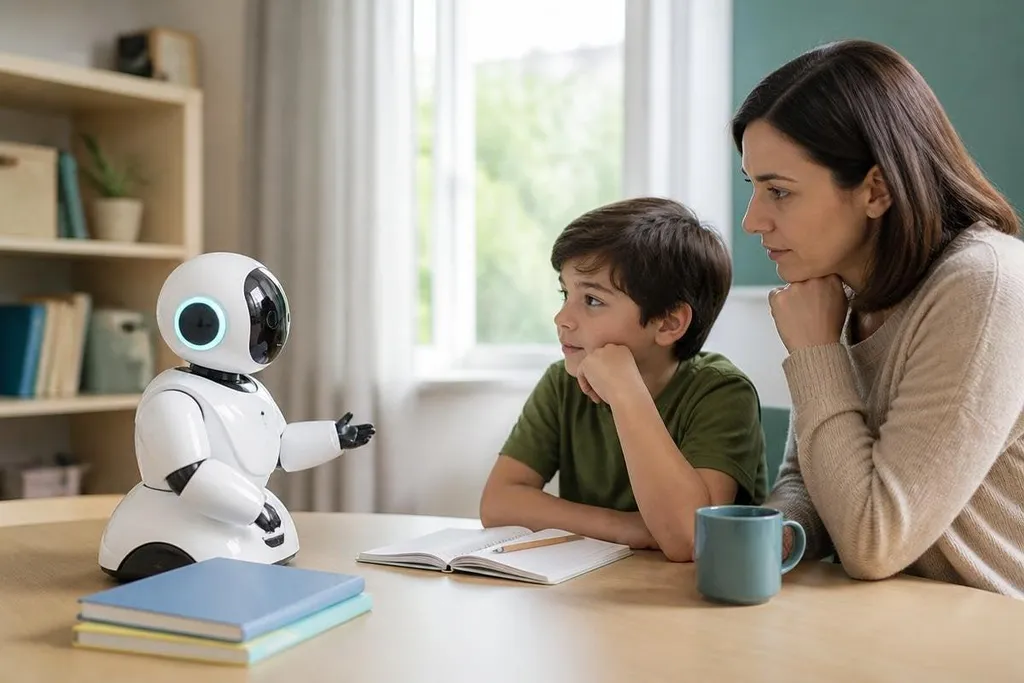
A robot that answers a child’s question can feel like a patient tutor. It can also give a wrong answer with a confident voice, collect more data than the lesson needs, or turn learning into passive screen time.
For parents and teachers, the useful question is where a robot helps, and where a person must stay in charge.
- Use robots for practice: Let children ask, test, build, and explain.
- Check every answer: AI systems can make errors that sound smooth.
- Keep people present: A teacher or parent must set the task and review the result.
What a learning robot can do
A robot gives children something physical to work with. They can write code, change a sensor, watch a motor move, or ask the system to explain a result. That link between an instruction and a visible action can make a lesson easier to discuss.
The robot also gives a child a reason to explain their thinking. If a line of code makes the robot turn left instead of right, the child has a clear result to inspect. They can change one setting, run the task again, and compare what happened.
This works best when the task has a clear goal. “Build a robot” is too broad for a first lesson. “Make the robot stop when its distance sensor reads less than 20 cm” gives the child a test they can run and a result they can check.
Where AI causes trouble
An AI system predicts an answer from patterns in its training data. It does not check truth in the same way a teacher checks a book, a measurement, or a working experiment. A child may accept a neat explanation before they have learned how to question it.
The system can also make the work too easy. If a child asks for all the code, copies it, and sees the robot move, the task may end before the learning starts. Ask for one small change instead: explain the sensor, predict the motion, or find the line that controls the turn.
Privacy adds another concern. A school or family should know what the robot records, where that data goes, and how long it stays there. A camera, microphone, or chat log can reveal far more about a child than a worksheet does.
A child may trust a robot’s voice before anyone checks what it can teach. Robot24.com reporting on educational robots can name the model, maker, trial site, and data practices behind a learning claim. That gives adults facts to use before putting the robot in a lesson.
The adult’s job
Adults set the limits before the robot starts. They choose tasks that fit the child’s age and skills, check the robot’s answers, and ask the child to show the work behind each result.
A teacher can also use the robot as a source of mistakes. Ask children to find a wrong answer, test it against a book or measurement, then correct it. That lesson matters more than getting a perfect reply on the first try.
The strongest classroom role for a robot is a work partner that needs checking. It can offer a hint, repeat an exercise, or react to code. A person still decides what the child should learn and how the work should be judged.
I'd allow AI robots in lessons only when the adult can review the robot’s data, answers, and role in the task.
A practical decision guide
Use this check before bringing a learning robot into a home or classroom:
- Name the skill: Write down the exact idea the child should learn.
- Set the robot’s role: Choose tutor, coding target, sensor platform, or practice partner.
- Plan a check: Ask the child to test each answer with a source, measurement, or working result.
- Limit data: Turn off recording features that the lesson does not need.
- Keep the child active: Require a prediction, change, explanation, or repair.
- Review the outcome: Look at what the child can explain without the robot.
Children can learn from AI-powered robots when the robot gives them something to test and explain. The next useful step is a small lesson with a clear result, a known data policy, and an adult ready to stop the system when its answer fails.